



.png?revision=1764341863)


Best Gaming Keyboards: A Comprehensive Buying Guide for 2026

In the gaming world, having the right equipment can determine the fine line between victory and defeat. One of the most important pieces of equipment is undoubtedly your keyboard. A good gaming keyboard can take your performance to the next level, make your gaming sessions more comfortable, and even extend the life of your equipment. Whether you're a hobbyist who occasionally plays EA Sports FC or an esports professional competing on the world's biggest stages, finding the best gaming keyboard should be at the top of your tech shopping list.
This guide will explain how to choose the perfect gaming keyboard for you, why mechanical models are indispensable, and detail the different types of switches. Along with tips on what you need for FPS and MOBA games, you'll find almost everything you need to know in this article. Ready? Let's get started!
How to Choose a Gaming Keyboard?
It's undeniable that there are countless gaming keyboards on the market. Finding the right one among so many options can be overwhelming. Therefore, there are a few factors and features to consider before setting your budget:
- Keyboard Type: First, you need to decide whether you want a mechanical or membrane keyboard. Mechanical keyboards are often the first choice for gamers due to the tactile feedback they offer. However, membrane keyboards are more affordable and generally quieter.
- Switch Type: The type of switch you choose greatly impacts your gaming experience. Different switches offer completely different levels of resistance, sound, and feel. We'll discuss this in more detail later.
- Keyboard Layout: Consider which type of layout you prefer. Full-size keyboards have more keys and features, while tenkeyless (TKL) and 60%-size keyboards are more compact and portable.
- Connection Type: Wired or wireless? That is the question. Wired keyboards offer consistent performance with zero latency, while wireless keyboards give you greater freedom of movement and far less cable clutter.
- Extra Features: Check out useful (and cool) extras like programmable keys, macro support, RGB lighting, and anti-ghosting. These features further enhance your gaming experience and make your setup look awesome.
- Build Quality and Durability: If you play a lot of games (we're talking hours a day), you need a keyboard that can withstand back-to-back gaming sessions. Solid materials and a well-structured design are essential.
- Price: Set a budget and find a keyboard that offers the best value for money. High-end keyboards with all the extras will be more expensive. However, there are also great options that won't break the bank.
Why are mechanical keyboards better for gaming?
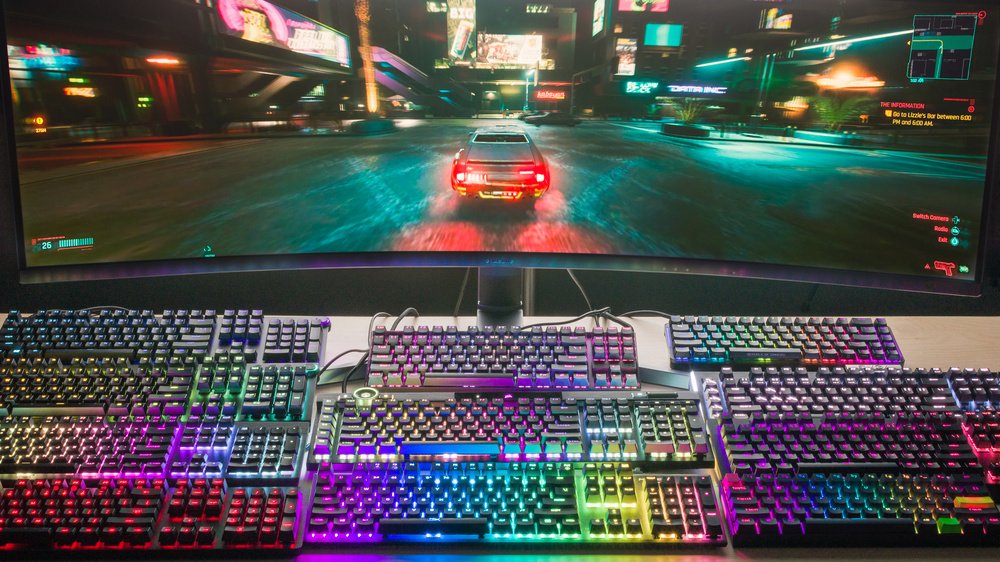
Mechanical keyboards are at the heart of most gamers' "battle stations," and for good reason.
- Haptic Feedback: Unlike other keyboard types, mechanical keyboards have tactile and auditory feedback. This means you always know a key has been pressed. This is a critical feature in fast-paced action scenes where every millisecond counts.
- Durability: Mechanical keyboards are built to last. The switches can literally withstand millions of keystrokes, making them absolutely worth the money you pay.
- Personalization: If you like to customize your equipment, you're in luck. You can completely personalize the look and feel of your keyboard by changing the switches and keycaps.
- Consistency: Mechanical keyboards have a consistent actuation point. Simply put, this means every key will respond the same way every time you press it. This consistency is key to an ultra-precise gaming experience.
- Anti-ghosting: Thanks to improved anti-ghosting, the keyboard can recognize all commands without skipping any when multiple keys are pressed simultaneously. This feature is essential, as some games require you to press several keys at once.
What are keyboard switches and are there different types?
Keyboard switches are small mechanisms located under each key. They determine how the key feels when pressed and how it registers the command. There are several types of switches, each with its own unique characteristics:
- Linear Switches: These switches offer a smooth and consistent keystroke feel without any tactile bumps or resistance. This makes them ideal for the fast, repetitive keystrokes you'll frequently encounter, especially in FPS games.
- Tactile Switches: When you press these keys, you'll feel a small bump, providing subtle feedback. They offer a good balance between linear and clicky switches and are ideal if you enjoy playing a wide variety of games.
- Clicky Switches: As the name suggests, these switches produce a distinct "click" sound when pressed. While creative or professional writers might appreciate this feedback, it can be distracting when gaming. Ultimately, you don't want anything to ruin your gaming experience.
- Hybrid Switches: Hybrids combine the best aspects of linear and tactile switches. This results in a smooth feel with a slight tactile bump, good for both gaming and typing.
If you're unsure where to start, you can explore brands like Cherry MX, Kailh, and Gateron. Each brand produces various switch types; choose the one that suits you best and start pressing the keys.
Are Wireless Gaming Keyboards Suitable for Competitive Gaming?
Wireless gaming keyboards have come a long way in the last few years, making them a viable option for competitive matches.
- Latency: Modern models use Bluetooth and 2.4GHz wireless technologies to minimize annoying latency. Some more expensive models have latency as low as 1ms, almost indistinguishable from wired keyboards.
- Battery Life: While battery life varies, most wireless keyboards should last several weeks on a single charge. If you'll be outdoors frequently, look for keyboards with long battery life and fast charging capabilities.
- Connectivity Options: If you need to switch between devices or use a wired connection for critical matches, different connectivity options can be useful.
- Interference: Wireless keyboards can sometimes be affected by interference from other devices. However, this is rare in high-quality models. If you're about to enter an important match, it's a good idea to test your keyboard beforehand to prevent potential problems.
- Portability: Without annoying cables, it's easier to just throw it in your backpack and take it with you. If you regularly participate in tournaments, it's arguably the most sensible choice.
Best Keyboard Specifications for FPS and MOBA Games
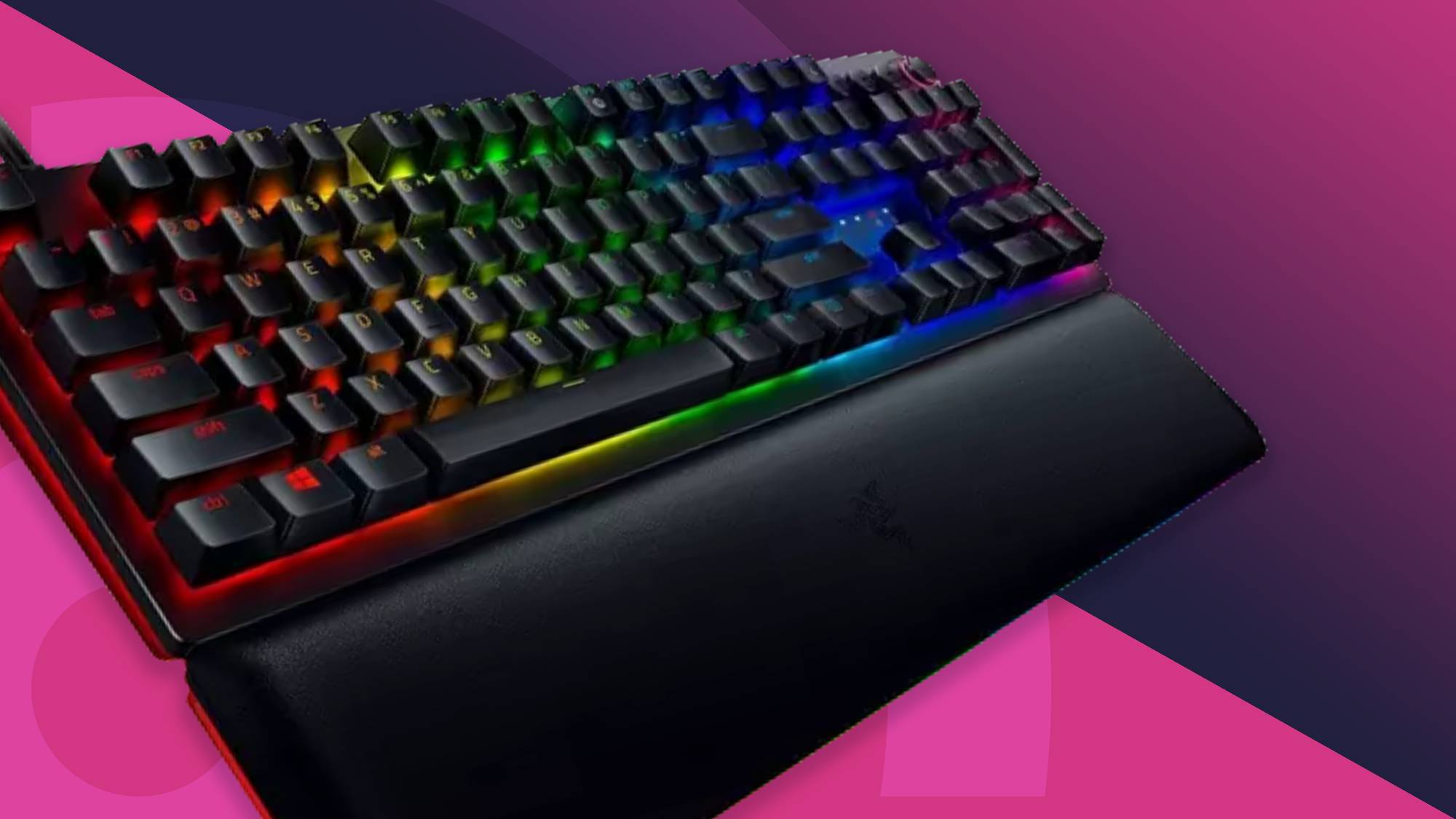
If you play a lot of FPS (First-Person Shooter) or MOBA (Multiplayer Online Battle Arena) games, you need a good quality keyboard among your equipment. When looking for a new keyboard, pay attention to these features:
For FPS Games
Games like Call of Duty require you to be precise and quick in every move if you don't want to end up at the bottom of the leaderboard. Before entering combat, you'll definitely need these in your gear:
- Low Activation Force: This means you need to press the keys with less force than on a normal keyboard. This makes your game much more responsive and faster.
- Anti-Ghosting: Missing a single keystroke can be the end of the game. That's where anti-ghosting comes in. This amazing feature allows your keyboard to detect multiple keystrokes simultaneously without missing a single one. Remember, the next time you die, you can't blame the keyboard anymore.
- Programmable Keys: Customize specific keys to perform particular actions, such as reloading or switching weapons. This will give you a few milliseconds of extra time, potentially saving you from losing a valuable life!
- Compact Design: A Tenkeyless (TKL) or 60% configuration would be our ideal choice. You'll have much more space for your mouse, making aiming and those crucial headshots easier.
For MOBA Games
The average MOBA requires a lot of keystrokes and complex key combinations. If you're a serious MOBA player, give yourself an advantage with these useful features:
- Full-Size Layout: More keys and more space make it easy to perform challenging key combinations. These extra keys can be used for everything from shortcuts to spells and other in-game actions.
- Macro Support: Create a few macros and start dominating your opponents. So what are macros? Basically, they are quick shortcuts. With a single touch, you can perform complex actions that would normally require pressing multiple keys. This is a huge advantage in a MOBA.
- Haptic Feedback: Haptic switches provide a slight bump when pressed, helping you understand that a key has been pressed correctly. This increases your accuracy rate and reduces the likelihood of accidental key presses.
- RGB Lighting: Some keyboards allow you to customize RGB lighting to highlight specific keys, making them easier to find in the heat of battle. It's not just about making your setup look cool!
- Ergonomic Design: MOBA matches can be long, especially when the competition is intense. That's why you should get yourself an ergonomic keyboard. Thanks to comfortable designs and features that keep your hands and wrists in a natural position, you won't experience any strain during long sessions.
Our recommendations: Top Gaming Keyboards
So, with all this information in mind, which keyboards do we recommend? Here are three of the best gaming keyboards you can find on the market right now:
Lenovo Legion K300 RGB Gaming Keyboard
A great starting point for gamers looking for feature-rich gaming at an affordable price. With silent membrane keys, 5-zone customizable RGB lighting, and anti-ghosting support, it's ideal for both casual and competitive gaming sessions. Its durable construction and ergonomic design offer comfort during long gaming marathons.
Razer Ornata V3 X RGB Wired Gaming Keyboard
Combining the tactile feedback of mechanical keyboards with the soft touch of membrane keyboards, this model from Razer's Mecha-Membrane technology offers the best of both worlds. With low-profile keys and an ergonomic wrist rest, it prioritizes comfort, while customizable Razer Chroma™ RGB lighting provides a striking look.
Lenovo Legion K500 RGB Mechanical Gaming Keyboard
Designed for professional and serious gamers, the K500 features high-performance red mechanical switches. These linear switches deliver fast response and a smooth gaming experience. Its minimalist design, 7 dedicated media keys, and detachable wrist rest combine functionality and comfort. With features like full anti-ghosting and per-key RGB lighting, it won't let you down even in the most demanding competitive environments.